Updated October 2026 · MyoAmigo
Claude as your personal trainer, with your real lifting log
The recipe going around is to turn Claude into a trainer with a persona, a typed-up list of exercises you like, and an empty "lift log" file it is supposed to fill in as you go. It works for a week or two, then the log drifts, with sessions logged from memory and weights it never saw. The coaching is only as good as the record, and a chat assistant is a poor place to keep one.
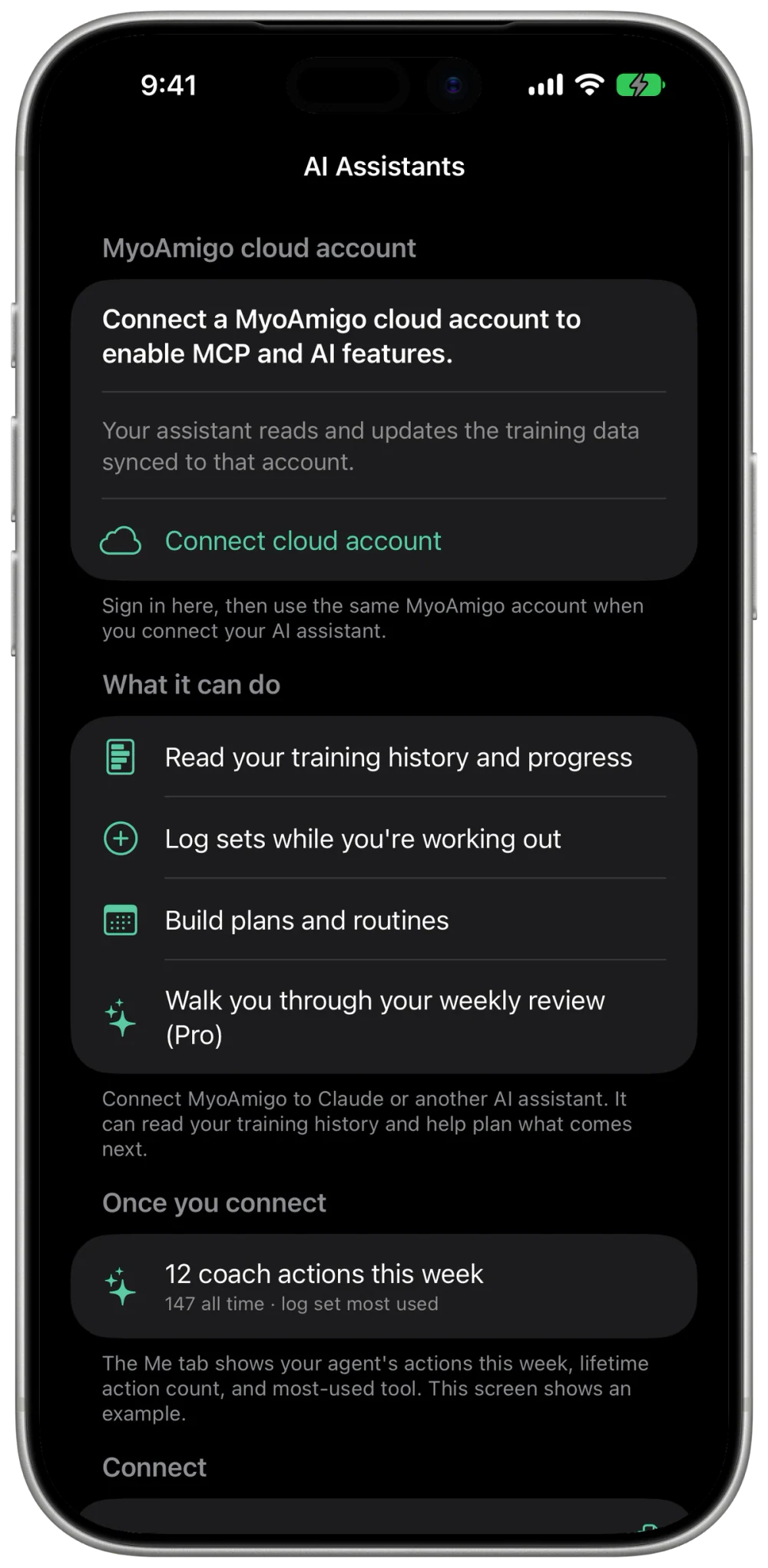
MyoAmigo keeps the record. It is a workout log for iPhone and Apple Watch with a remote Model Context Protocol (MCP) server, so Claude can read your sets, PRs, and plan directly, and, with Pro, write a program back. There are no files to paste and nothing to keep in sync.
What a trainer has to know
- What you've done. Every logged set, by exercise and date, with warm-ups separated from working sets. Claude reads the history behind a question instead of what you remember of it.
- Where you stand. Personal records, a rep-max table per lift, and stalls classified as regressing, holding, rebuilding, or densifying, so a rep block isn't mistaken for a plateau.
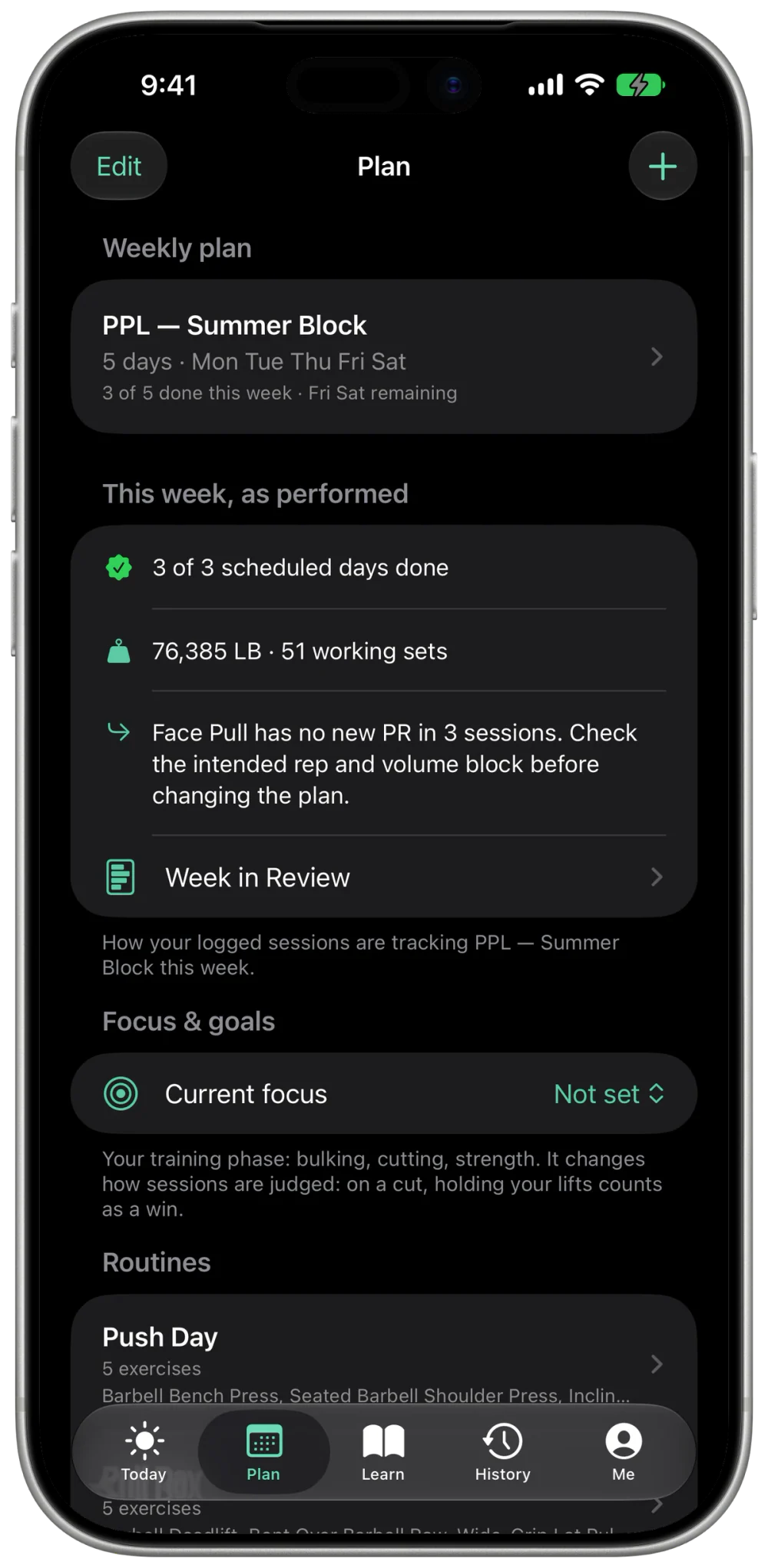
- What you're supposed to do next. Your routines and the weekly plan steering the app, including the coach notes on them.
- How to change it. With MyoAmigo Pro, Claude can create routines, put a week on the calendar, log sets, and set targets, after you say so.
Set it up
- Get workouts into MyoAmigo. The log works offline without an account. Importing a Strong or Hevy export brings your history along. Then sign in and sync, since a remote assistant only sees records on your account.
- Add the connector once. In Claude.ai or Claude Desktop, open Settings, then Connectors, then Add custom connector, and paste
https://api.myoamigo.com/mcp. Leave the OAuth fields blank and approve the MyoAmigo sign-in. Free accounts get one custom connector, and this can be it. Step-by-step for Claude. - Turn it on in the conversation. Connectors are enabled per chat from the plus menu at the lower left. Claude mobile can use a connector that was added on the web.
Anthropic documents custom connectors on every plan, with Free limited to one. Team and Enterprise owners may need to add it for the organization first. See Anthropic's connector guide for current steps. This is an independent connection, not a partnership with Anthropic.
Six prompts that cover being coached
These are the situations a trainer handles: the first meeting, a program, starting loads, a swap, a back-off week, and a stuck lift. MyoAmigo's MCP server offers each as a prompt starter in clients that list them. Where yours doesn't, paste the text and fill in the brackets.
Get to know me
Send this first in a new coaching chat. It reads the log before it asks, so you aren't asked things it already knows.
Read my MyoAmigo log before you ask me anything: the lifts I train most, how often I've trained over the last 12 weeks, my strongest lifts against the standards, and whether a plan is active. Then ask only for what the log can't tell you, in one message: goal, days per week, equipment, injuries or limits. Save it to my profile once I confirm.Build my program
The generator is the one onboarding uses, ranked against your own history. Once you say so, the plan lands on your calendar in the app and on the watch.
Build me a [3]-day week from my history using the plan generator. Walk me through it day by day with last-time numbers for lifts I've done. Offer swaps for anything I don't like. Don't schedule anything until I say "schedule it".Pick starting weights
Starting loads are transferred from a related lift you have logged, with a confidence attached. A true beginner gets a ramp protocol instead.
For every lift in my plan I've never logged, estimate a starting weight from the lifts I have logged, and tell me what it's based on and how confident you are. If there's nothing to go on, give me a first-session ramp instead of a number.Swap an exercise
The reason decides the swap. Pain changes the movement; missing equipment keeps it. The routine is edited in place and your logged sets stay as they were.
Swap [exercise] in my routine. Ask me why first, then give me two or three like-for-like options for the equipment I have, and update the routine in place when I pick one. Don't touch my history.Plan a deload week
The case is checked against attendance, stall classes, and sustained volume before anything is prescribed. Your program is left alone, and the week after resumes where you were.
Check my log for the signs of needing a deload before you plan one. If it's warranted, give me one week at about 60% of my last working loads, lift by lift, from my actual numbers, without rewriting my program.Break a plateau
A lift that is rebuilding after a deliberate drop, or adding reps at a held load, is not stalled, and the diagnosis says so. It proposes one change at a time, so you can tell what worked.
My [lift] is stuck. Diagnose it from my log before suggesting anything: attendance, weekly sets, load jumps, rep range, and whether related lifts are moving. Then propose one change for the next 3 to 4 weeks.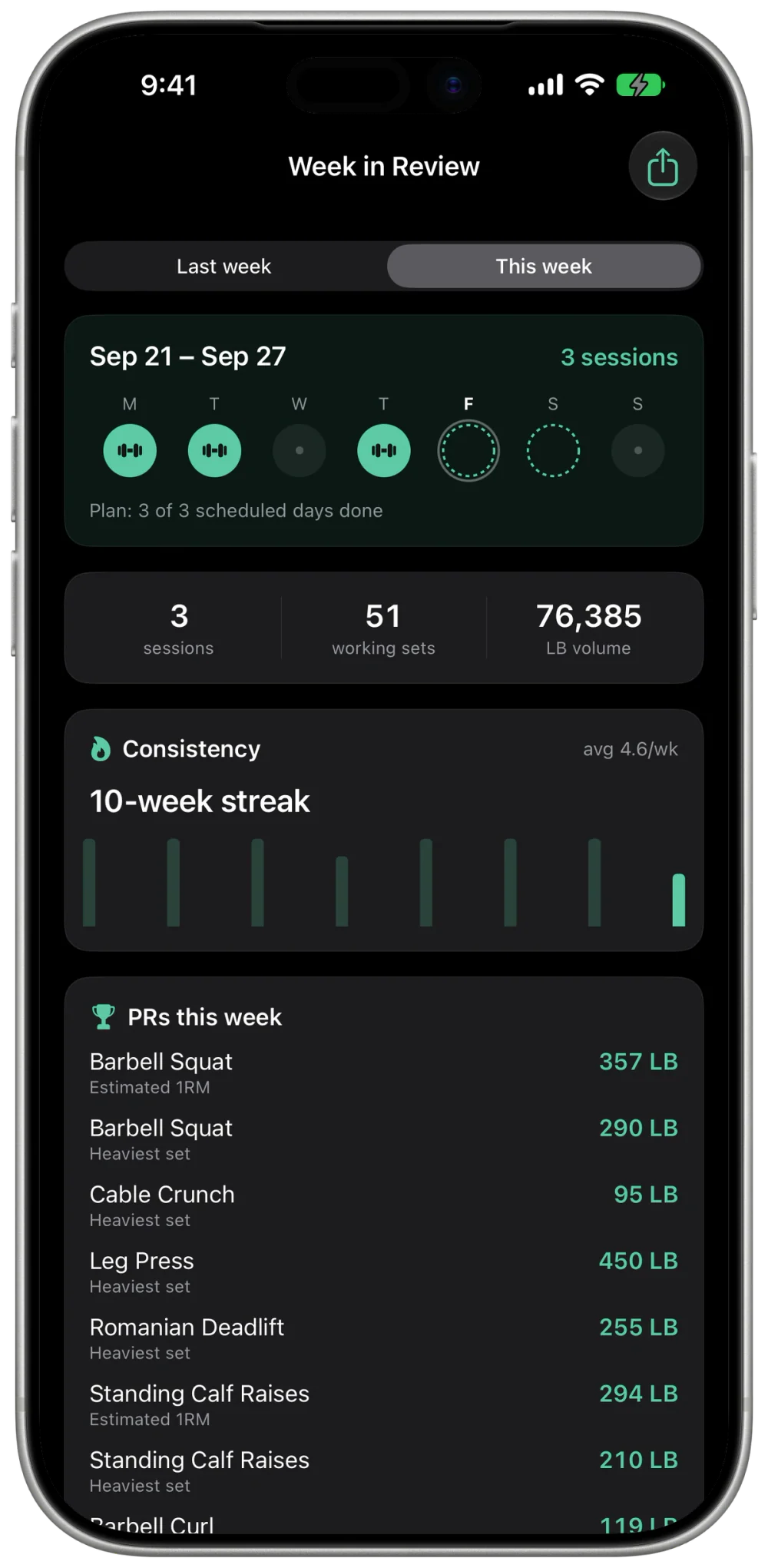
Free reads, Pro writes
History, PRs, stalls, muscle balance, consistency, and strength standards are Free reads. The synthesized week review and session assessment, and every training-data write (routines, plans, logged sets, targets), need MyoAmigo Pro. Claude's own plan limits are separate from ours and apply on top.
What it still can't do
It can't see your form, spot you, or tell a grinding rep from a crisp one. The record fixes what it knows, and the judgment is still yours to check. If a suggestion doesn't track, ask it to show the sessions it used.
Frequently asked questions
Do I have to paste my workouts into Claude?
No. Once the MyoAmigo connector is enabled, Claude requests your synced history when it calls a tool. Workouts that have not synced from your phone stay out of reach.
Will Claude remember my lifts between conversations?
The log lives in MyoAmigo. Each conversation reads the current record, so nothing goes stale and nothing has to be re-pasted.
Can Claude write a program into the app?
MyoAmigo's routine, plan, and set-logging tools need MyoAmigo Pro. Claude can use MyoAmigo's write tools where its connector permissions allow tool actions; it asks before each one unless you've allowed the tool.
Prefer a workspace with standing instructions? See Claude Projects for workouts. The connection itself is covered in connect Claude to your workout log. The same setup works for ChatGPT and Grok, and the MCP reference lists every tool.