
 Log the set
 Rest and effort
 Check your last set
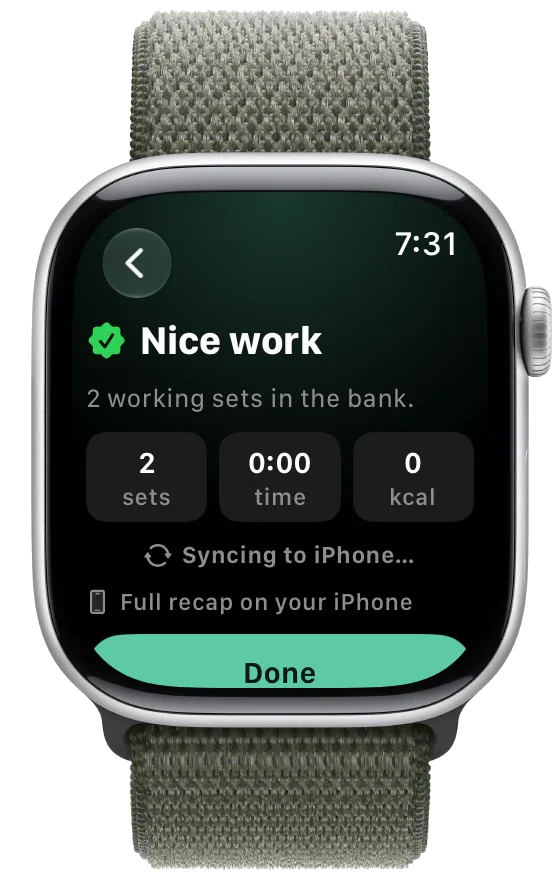 Session summary
What the watch does.
Start a routine you set up on your iPhone, then run the whole session from the watch.
One tap per set
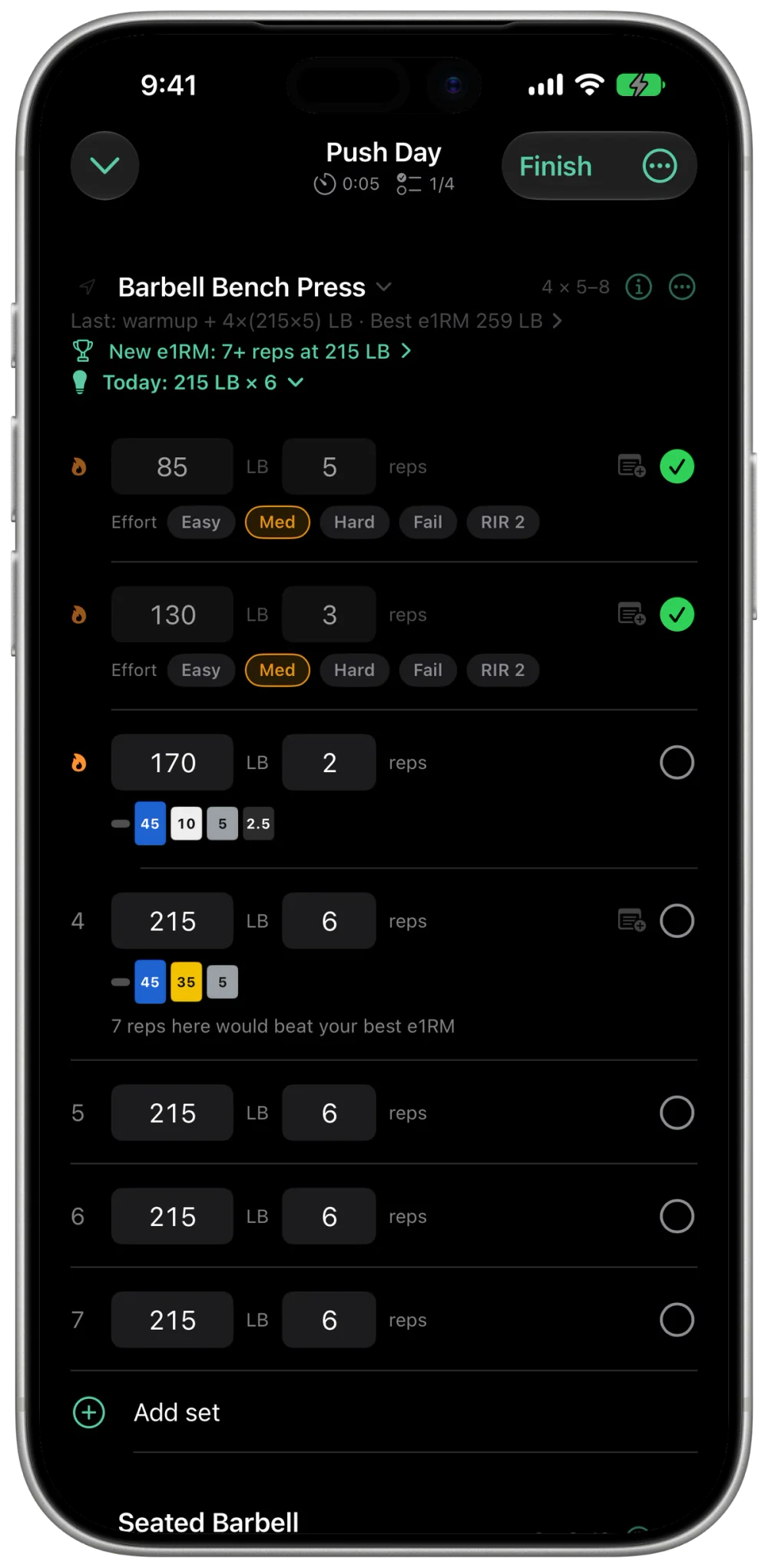
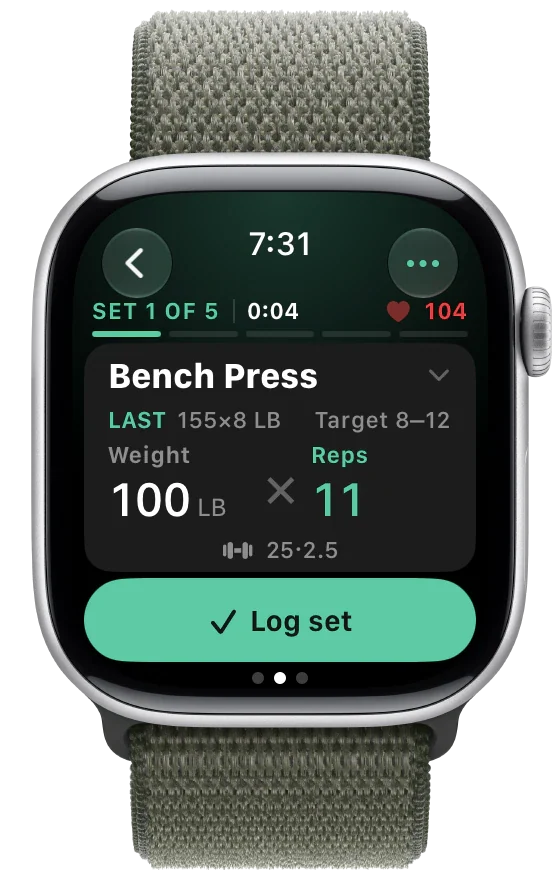
Weight and reps are filled in from your routine and last session. Turn the Digital Crown to change them, then tap Log set. On Apple Watch models that support Double Tap, you can log without touching the screen.
A timer that taps your wrist
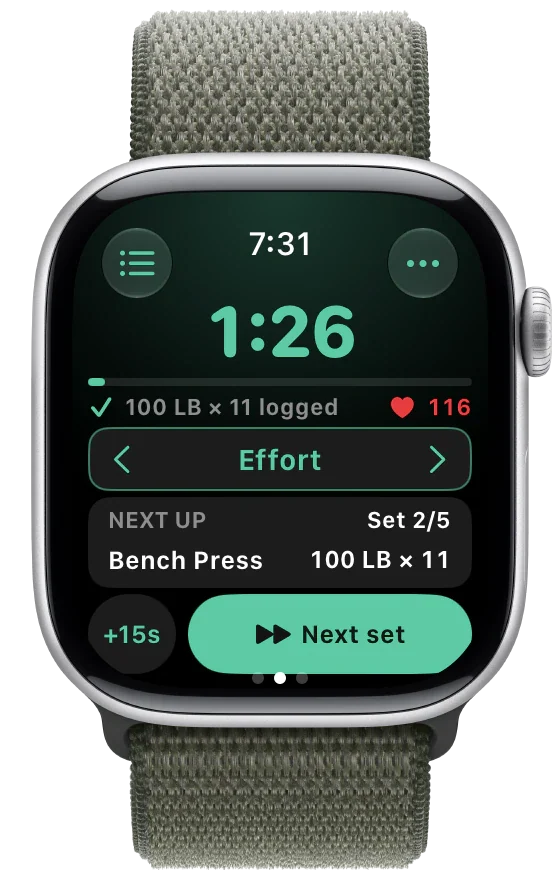
Logging a set starts the rest countdown. Add 15 seconds, skip it, or rate the set's effort while you wait. The watch taps your wrist when rest is over.
Heart rate on every set
Average and peak heart rate are saved with each set, strength sets included. They sync to your iPhone with the rest of the set.
Phone in the bag
Once a routine is on the watch, you can start, log, rest, and finish without your iPhone nearby or a signal. The session goes back to your iPhone when they reconnect.
Counts toward your rings
With Health access allowed, the watch saves each session to Apple Health as Traditional Strength Training, with heart rate and active energy. It shows up in Fitness like any other workout.
Now Playing, one swipe away
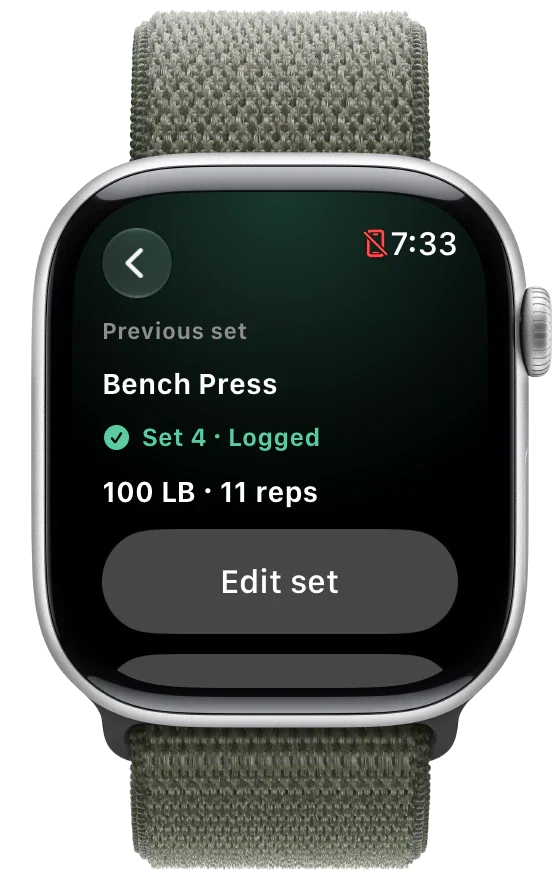
Swipe left from the set screen for the system Now Playing controls. Swipe right to review the set you just logged without undoing it.
What's free, and what's Pro.
On the watch, one thing needs Pro: the badge that tells you a set is close to a personal record. Everything else on this list works on the free plan, with no time limit.
| On Apple Watch | Free | Pro |
|---|---|---|
| Log weight, reps, and effort for every setEdit, reopen, add, and reorder sets. Swap an exercise mid-session. | ✓ | ✓ |
| Digital Crown input and Double TapDouble Tap needs a supported Apple Watch model. | ✓ | ✓ |
| Rest timer with haptics, +15s, and skip | ✓ | ✓ |
| Average and peak heart rate on every set | ✓ | ✓ |
| Phone-free session after the routine syncs | ✓ | ✓ |
| Start on iPhone, keep going on the watchThe same live session on both. Starting on the phone opens the watch app. | ✓ | ✓ |
| Saves the workout to Apple Health and your Activity rings | ✓ | ✓ |
| Now Playing page, complication, gym check-in barcode, locker number | ✓ | ✓ |
| Heat & Cold Sessions on supported models | ✓ | ✓ |
| “PR territory” badge while you logShows when the set on deck would beat, or nearly beat, your best estimated one-rep max. | — | ✓ |
Two limits live on the iPhone, not the watch. The free plan includes up to six routines you build yourself; routines from a generated plan don't count toward that. And new installs get a 14-day Pro preview with no card and no automatic charge, so you'll see the PR badge during those two weeks. When it ends, logging and history stay free. Full Free and Pro comparison →
Where your watch workouts go.
The watch is the iPhone app's companion. It does not connect to the internet on its own, so everything after the gym goes through your phone.
The watch logs it
The watch keeps the workout on the watch until your iPhone is in range, then hands it over through Apple's WatchConnectivity. It never uploads anything itself.
Your iPhone keeps it
Your plans, routines, and full training history live on the iPhone. It sends routines to the watch and shows a full recap after a watch workout.
The web app shows it
Sign in on the iPhone to turn on cloud sync. Then app.myoamigo.com shows the same history, progress, routines, and plans. Sync is optional and free.
Your AI can read it
Connect Claude or ChatGPT through MyoAmigo's connector and it can read the synced workouts you logged on the watch. Reading is free. Having it log sets or build routines and plans needs Pro.
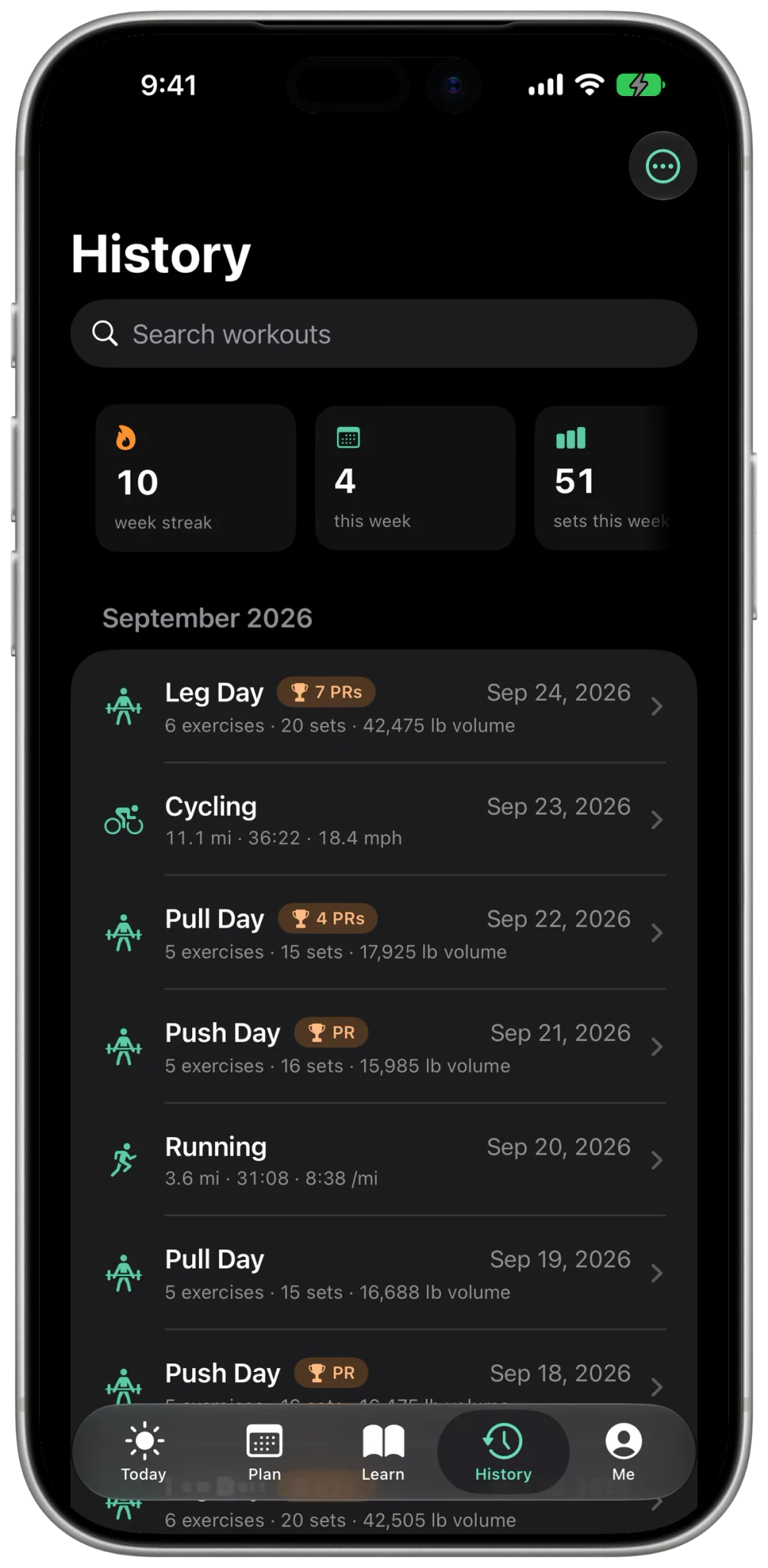 History on iPhone
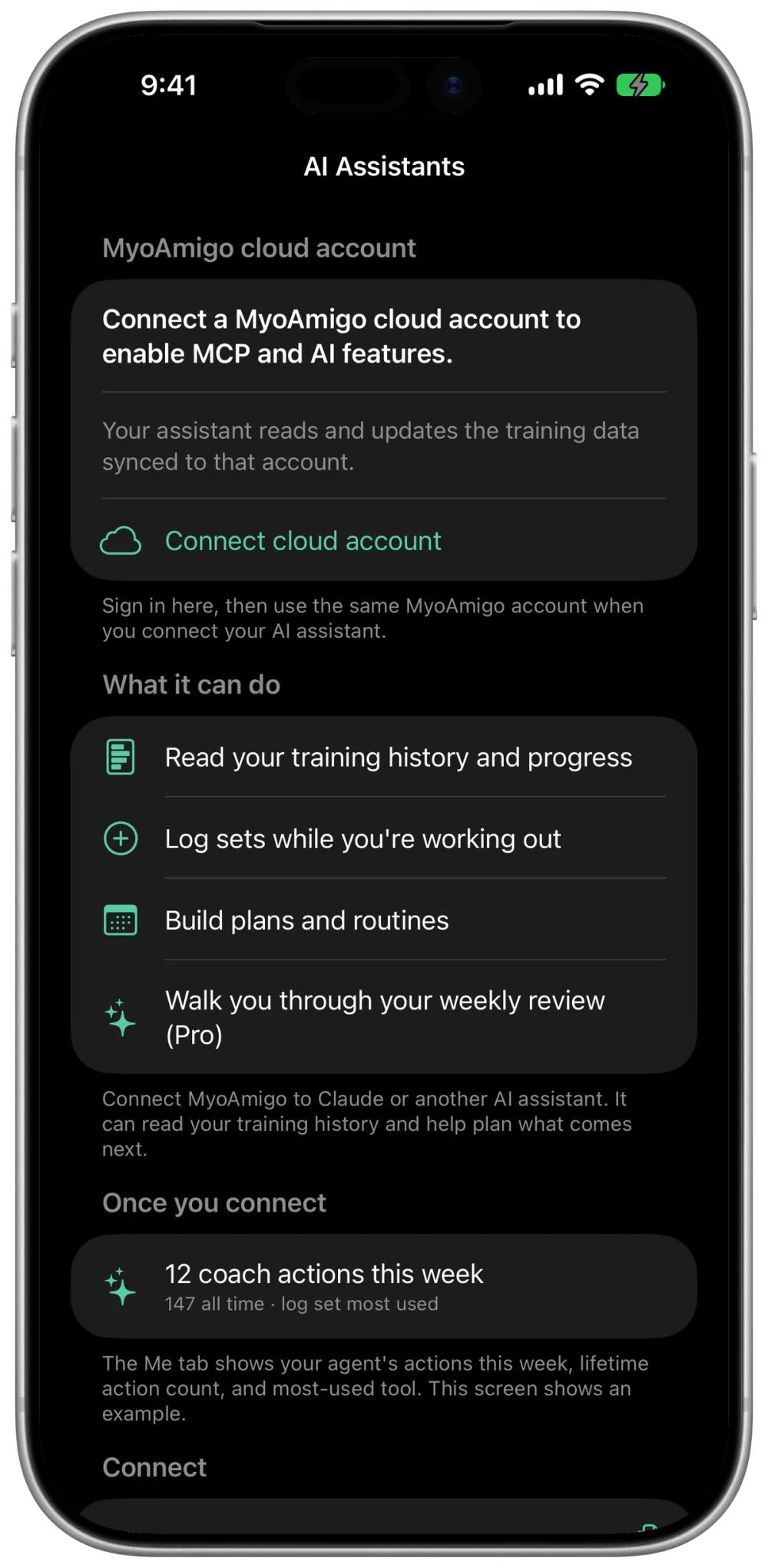 Connect an AI assistant
Workouts that stay on the phone without cloud sync are not visible to the web app or to an assistant. Setup guides: Claude · ChatGPT · other assistants.
Before you leave the phone behind.
You need an iPhone on iOS 18 or later and an Apple Watch on watchOS 26 or later. The watch app comes with the iPhone app and can't be used without it.
Create or pick a routine on the iPhone and let it sync to the watch. At the gym, start it from the watch, the complication, or the iPhone. Afterward, keep the phone in range so the session can transfer back.
Logging is manual. The watch records the numbers you confirm and doesn't try to count reps from your movement, so a paused, partial, or spotted set is logged the way it happened.
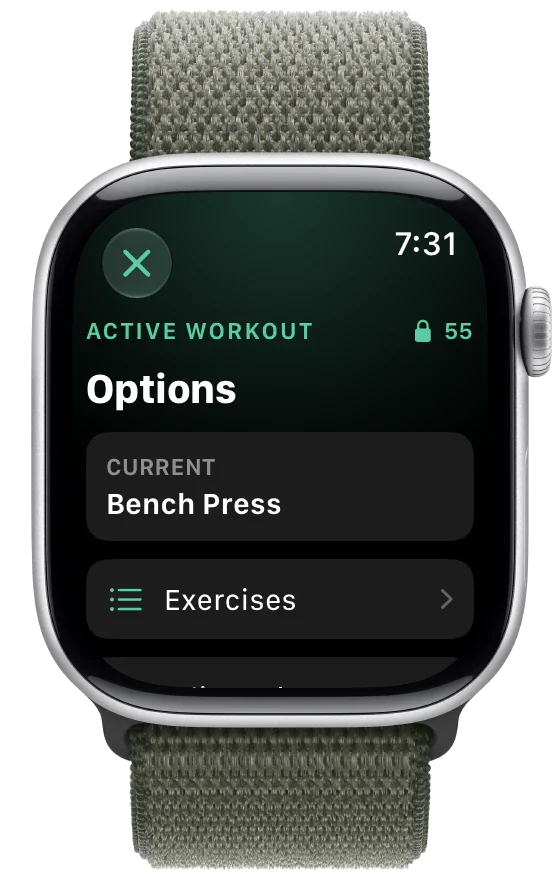 Locker 55
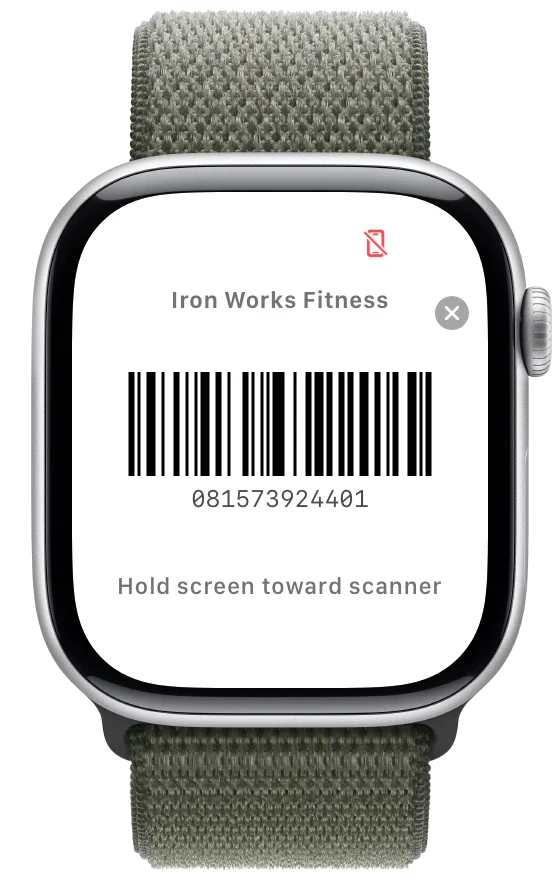 Gym check-in
Questions.
Is the MyoAmigo Apple Watch app free?
Yes. Logging sets, the rest timer, heart rate per set, Double Tap, Crown input, Apple Health, and phone-free sessions are all on the free plan. The only Pro feature on the watch is the badge that flags a set close to a personal record.
Does it work without my iPhone?
During the workout, yes. After a routine has synced from your iPhone, you can start, log, rest, and finish without the phone nearby or an internet connection. You do need the iPhone app to set up routines and to receive the finished session.
Does the watch count my reps?
No. You confirm or adjust the weight and reps for each set. Nothing is guessed from motion.
Does the watch sync straight to the cloud?
No. The watch syncs to its paired iPhone. If you're signed in with cloud sync on, the iPhone sends it on to your account, the web app, and any AI assistant you've connected.
Can Claude or ChatGPT see my watch workouts?
Yes, once they reach your synced account. A connected assistant can read your workouts and sets for free. Letting it write to your log, routines, or plans needs Pro.
Which Apple Watch app is best for lifting?
That depends on what you want from your wrist. We compare Apple's Workout app, Strong, Hevy, and MyoAmigo in Best Apple Watch app for lifting weights.
Heat & Cold Sessions are here too.
Track phase timing and available heart rate on supported Watch models, or log afterward on iPhone. Recording follows Apple's device limits.
See Heat & Cold Sessions →Meet your new
training amigo.
MyoAmigo is on the App Store: free to log, sync, and keep your full history forever. Prefer the browser? Train on the web →