
Keep the timer. Keep the context.
A sauna visit or contrast session deserves more than a stopwatch that resets when you're done.
Heat, cold, and rest
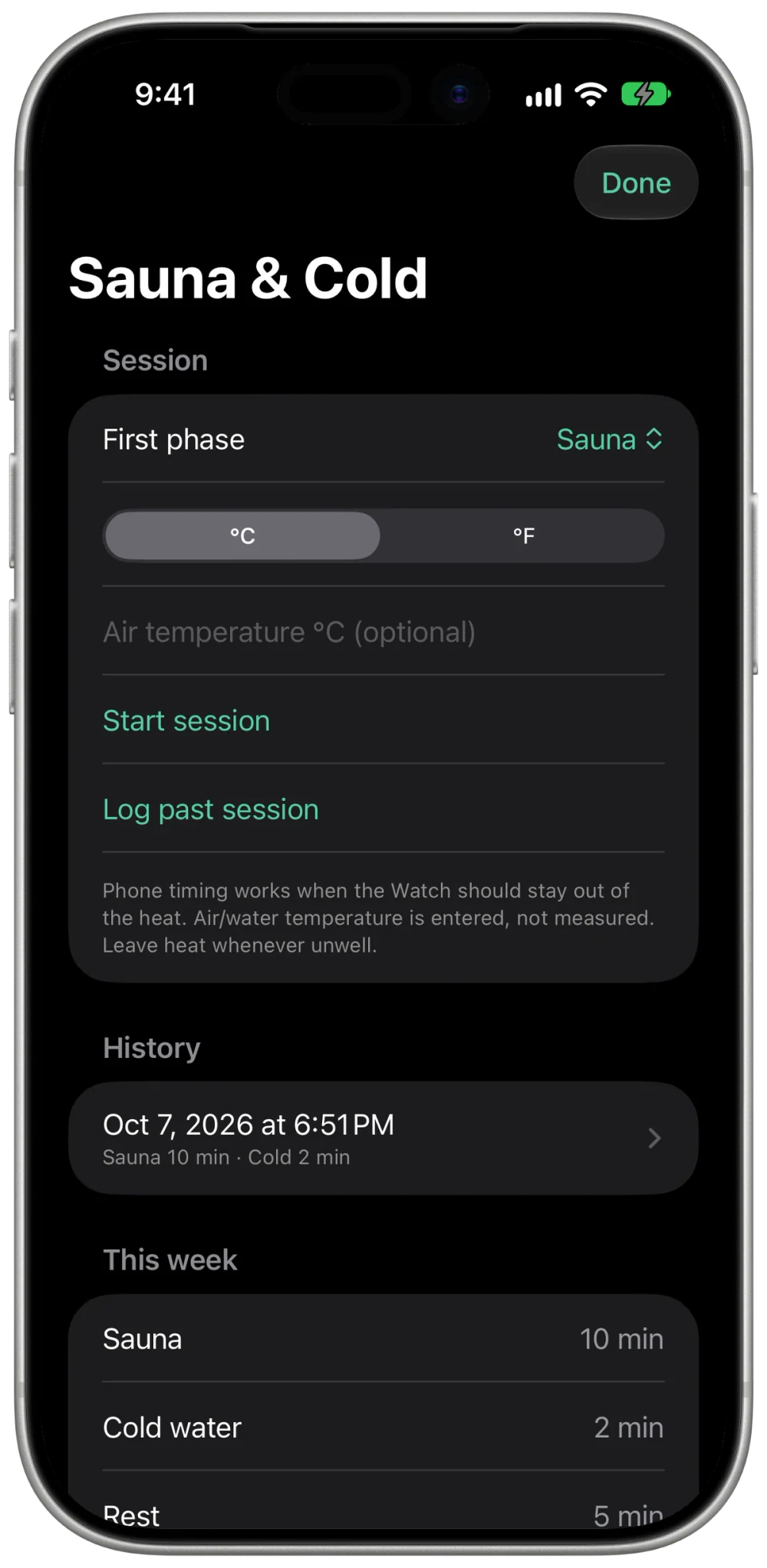
Start a session on iPhone or a supported Apple Watch. Change phases when you actually move, and keep untracked breaks out of your exposure totals.
Your own routine
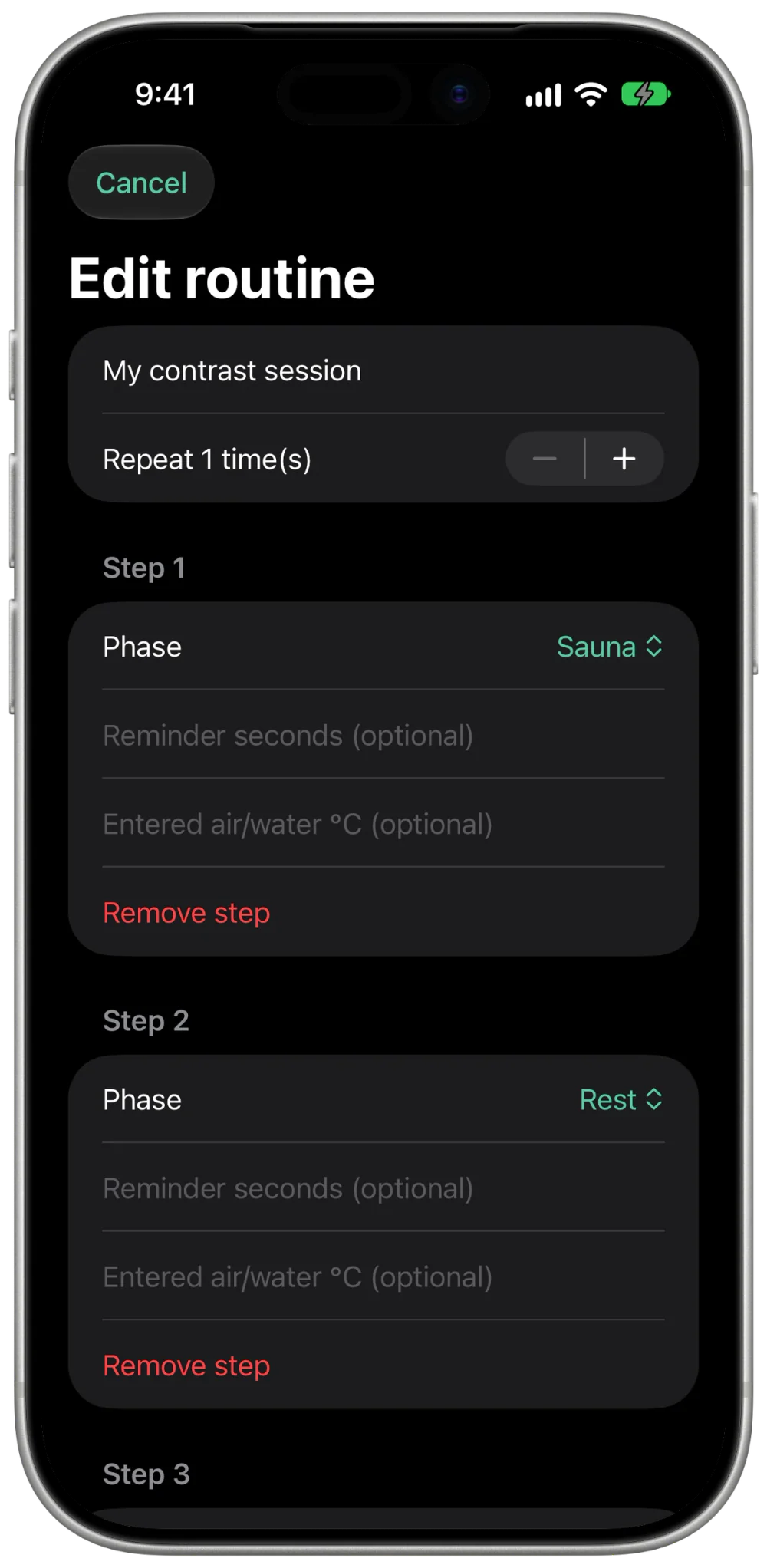
Save an ordered sequence of sauna, rest, and cold-water steps. Add optional reminders and repeat rounds. You control when the next phase begins.
A log you can return to
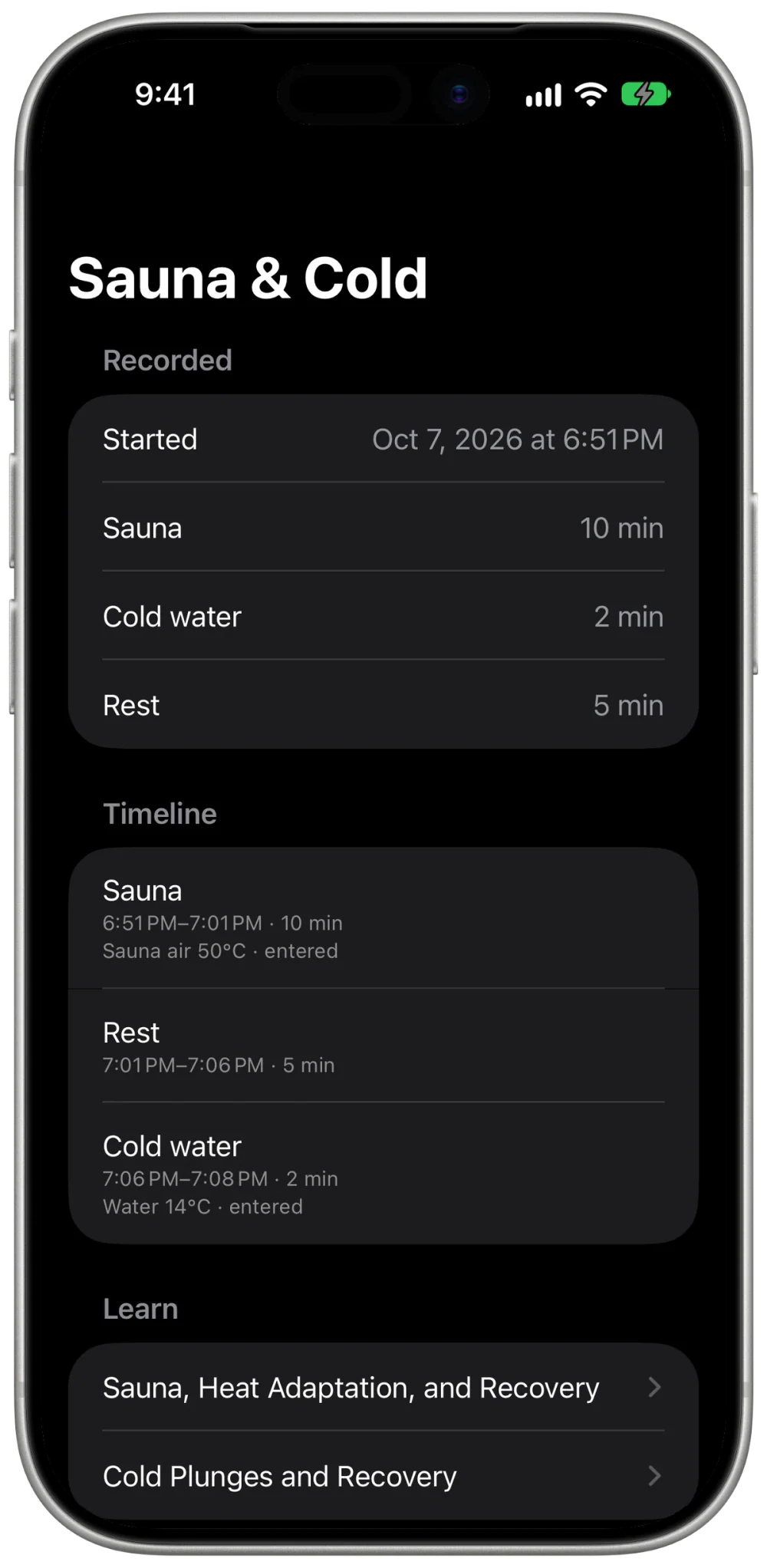
Review phase durations, entered temperatures, notes, and weekly totals. Log a past session when you left your devices outside.
One app to open.
One history to keep.
Your strength sessions, cardio, sauna, and cold plunges belong in one place. MyoAmigo keeps the records together while preserving separate heat, cold-water, and rest totals.
- Temperatures with context. Enter sauna air or water temperature in °C or °F. These are your entries, not automatic sensor readings.
- Apple Health, by choice. Supported Watch sessions can record heart rate and save a workout to Apple Health. The recap shows the Health recording status.
- A useful weekly view. Review how much time you logged in each phase. Optional goals are yours to set; the app does not prescribe a dose.
Track the session.
Respect your device's limits.
Keep your iPhone in a suitable environment while timing, or log the session afterward. Watch capture is available only within the supported model and temperature conditions.
Apple advises against sauna use for non-Ultra Watches, sauna use above 55°C / 130°F for Ultra models, and steam-room use for every Apple Watch. For cold-water recording, follow your model's water-use and temperature guidance.
Heart-rate readings and reminders help you keep a record. They do not tell you whether an exposure is safe or prove a recovery benefit.
Read about sauna and recovery →
Read about cold plunges and recovery →
Before your next session.
Do I need another subscription?
No separate thermal subscription. MyoAmigo's free core includes recording and retained history. Pro adds capabilities across the wider app; see Free and Pro.
Where do I start?
On iPhone, open Today → Quick actions → Sauna & Cold. On Watch, choose Sauna & Cold from the main screen. Start a quick session, select a saved routine, or log a past session on iPhone.
Does it measure temperature?
No. Air and water temperatures are entered manually. MyoAmigo records timing and available heart-rate observations; it does not measure core temperature or infer calories or benefit zones for thermal sessions.
Meet your new
training amigo.
MyoAmigo is on the App Store — free to log, sync, and keep your full history forever. Prefer the browser? Train on the web →