Connect MyoAmigo to Raycast
One-click OAuthFull browser sign-in (OAuth 2.1 + PKCE). Nothing to paste.
Add an HTTP MCP server from the Raycast UI.
Raycast Pro required, macOS. Native dynamic OAuth.
You'll need: a MyoAmigo account (sign up) and the endpoint
https://api.myoamigo.com/mcp.
Steps
- In Raycast, add an MCP server (HTTP) via the built-in form.
- Point it at https://api.myoamigo.com/mcp and approve the sign-in.
Good to know
- MCP connectors are gated behind Raycast Pro.
Then ask it anything
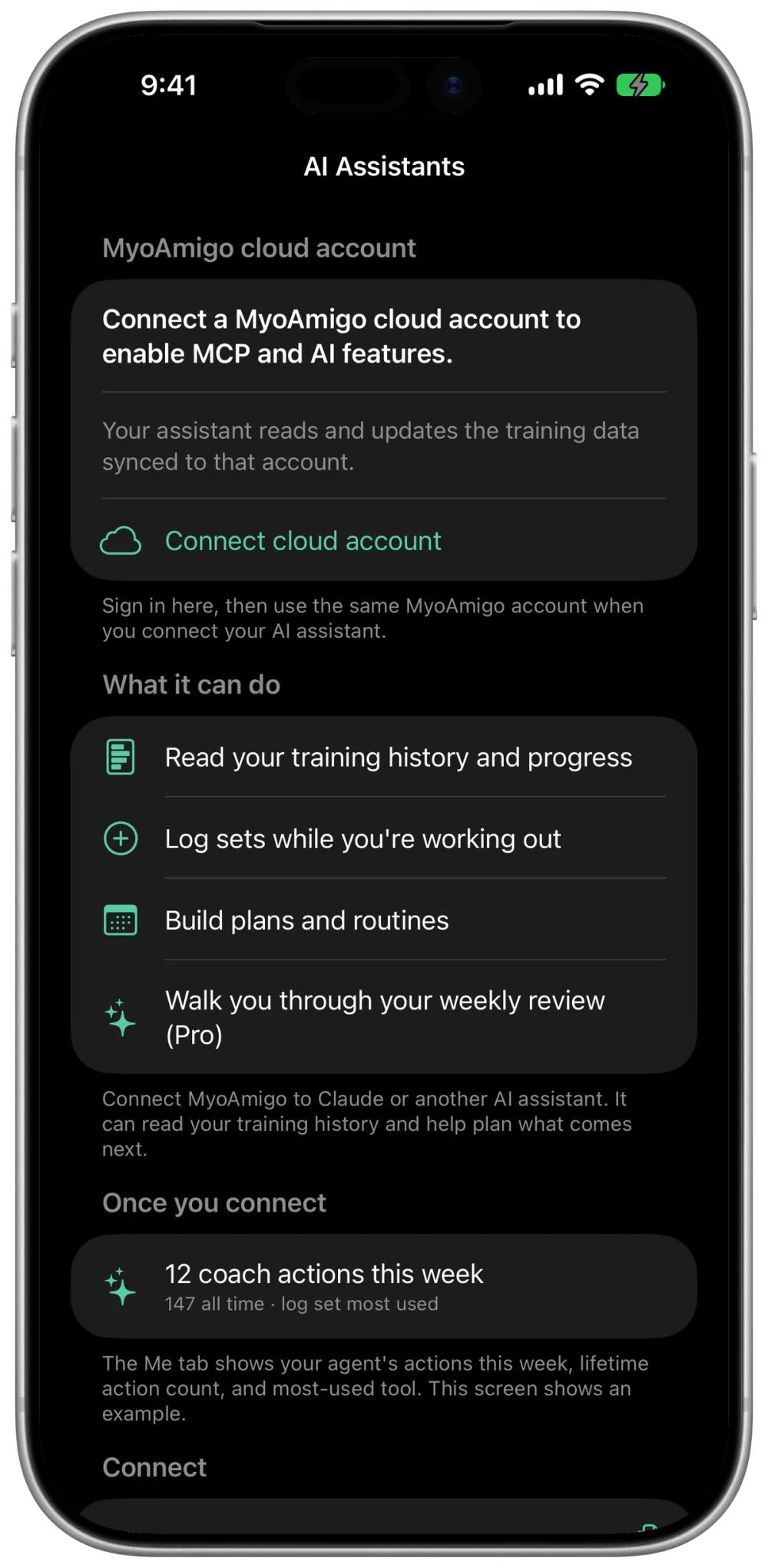
Every answer reads your real training history first — then acts.
What should I do for bench today, based on my last few sessions?Why has my squat stalled? Look at the last eight weeks.Which muscles did I undertrain this month?Build next week's workouts from my current program.I just benched 185 for 5, 5, 4 — log it.Compare my deadlift progress to where I was two months ago.
More code editors: Cursor · VS Code · Antigravity · Windsurf · Zed