Updated October 2026 · MyoAmigo
ChatGPT Projects for workouts: a coach that keeps the log for you
A Project is the right shape for coaching: standing instructions and one place for every training conversation, so nothing has to be re-explained. The usual recipe fills it with three pasted files: an exercise list you type up, a program template, and an empty lift log ChatGPT is meant to maintain. The first two are busywork, and the third is where it fails, because a chat assistant editing a text file from memory is not a training log.
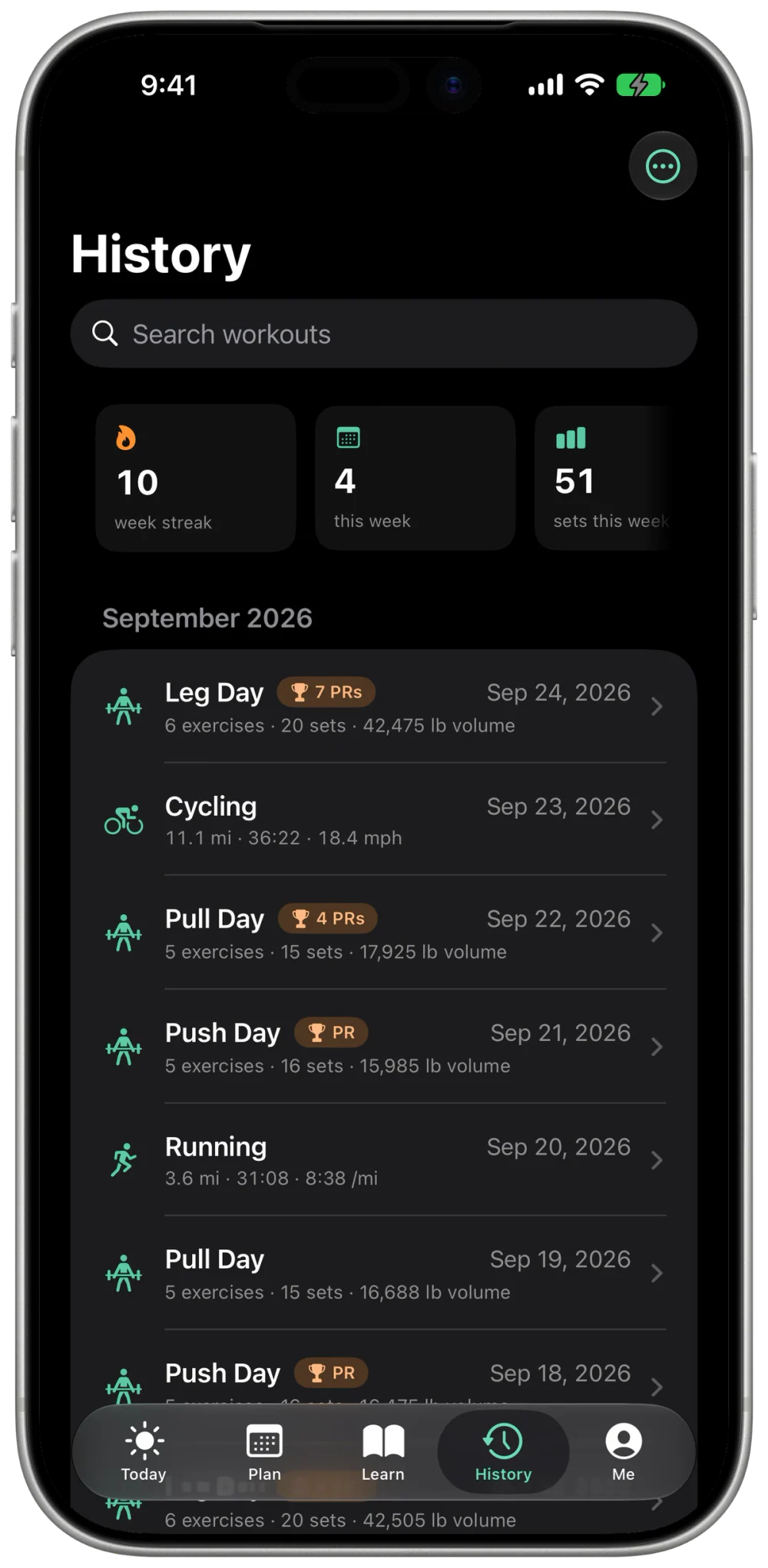
Keep the Project. Replace the files with a connector. MyoAmigo is a workout log for iPhone and Apple Watch with a remote MCP server, so ChatGPT reads your actual sets, PRs, and plan each time and, with Pro, writes the program back to the app.
Set up the Project
OpenAI's Projects article says connected apps work in project chats: pick one from the plus menu or refer to it by name, on every plan including Free. Project instructions apply only inside the project and override your global custom instructions. The limiting piece is the custom server itself, which OpenAI documents for Business and Enterprise/Edu workspaces on the web, with Pro limited to read and fetch. A Free, Go, or Plus account can run the Project but has no documented way to add MyoAmigo to it.
- Create the Project. In the ChatGPT sidebar choose New project, name it for the job ("Strength coach"), then open Project settings for its instructions.
- Paste the instructions below and fill in the bracketed fields.
- Add MyoAmigo as a custom MCP server where your workspace allows it: Plugins, the plus button, Add custom MCP server,
https://api.myoamigo.com/mcp, OAuth. Details for ChatGPT. - Leave the files empty. There is no exercise list to type and no lift log to maintain. The server is the log.
- Start a conversation inside the Project, type @ and pick MyoAmigo, and send the first prompt below.
Project instructions
Kept short on purpose. The tools carry the detail. The instructions set the rules ChatGPT works under and the facts about you that the log can't hold.
You are my strength coach. My training log lives in MyoAmigo; use its tools for anything about what I've done or what I should do next.

Before answering about my training, read the log: get_user_context for the overview, get_history or get_pr for a specific lift, list_plans and list_routines for my program.

Never invent a set, a weight, or a PR. If the log doesn't have it, say so and ask me.
Loads come from my history or from estimate_starting_weight, never from a guess.
Observations before suggestions. One change at a time.
Don't write anything to the app until I say "save it" or "schedule it".
Units: [lb / kg]. Goal: [build muscle / get stronger / general]. Days per week: [3].
Equipment: [full gym / home: dumbbells and a bench / ...]. Limits: [injuries, time per session].
No cheerleading. If a session was light, say so.
Why no files
| Pasted files | MyoAmigo connector | |
|---|---|---|
| Exercise library | Typed by you, a few dozen moves | Searched from the full catalog by muscle and equipment |
| Lift log | Edited by the model from memory, so it drifts | Logged on the phone or watch and read live |
| Program | Filled in by hand from a template | Generated from your history and scheduled in the app with Pro |
| Progress | Read from whatever the log file says | Computed from the record: PRs, rep-max tables, stall classes |
| Switching assistants | Re-pasted into each new assistant | Shared through the same connector |
The first conversation
Send this and let it read before it asks:
Read my MyoAmigo log before you ask me anything: the lifts I train most, how often I've trained over the last 12 weeks, my strongest lifts against the standards, and whether a plan is active. Then ask only for what the log can't tell you, in one message: goal, days per week, equipment, injuries or limits. Save it to my profile once I confirm.ChatGPT comes back with what the log shows, asks only for the gaps, and saves them to your profile once you confirm. From there the rest of the stack is the six prompts on the personal-trainer page: build a program, starting weights, swap an exercise, a deload week, breaking a plateau. MyoAmigo's MCP server offers them as prompt starters in clients that list prompts.
Free reads, Pro writes
History, PRs, stalls, muscle balance, and strength standards are Free reads. The synthesized week review and session assessment, and every write (routines, plans, logged sets), need MyoAmigo Pro. ChatGPT can use MyoAmigo's write tools on Business and Enterprise/Edu workspaces, with a confirmation prompt before a write; on Pro the server is read and fetch only.
Frequently asked questions
Which ChatGPT plans can do this?
Projects, and apps inside them, are on every plan including Free. The custom MCP server is the limit: OpenAI documents it for Business and Enterprise/Edu workspaces on the web, read and fetch only on Pro, and not on mobile. MyoAmigo Pro does not change OpenAI's limits.
What goes in the Project files?
Nothing, for training. The exercise catalog, your log, and your plan are read live from MyoAmigo. Files are for things the log doesn't hold, such as a coach's write-up or a meet schedule.
What if the connector isn't offered inside the Project?
Start the conversation outside the Project with the same instructions pasted at the top. The coaching is the same, and the Project only saves you re-pasting them.
Connection details are in connect ChatGPT to your workout history. The same Project works in Claude Projects and Grok Projects. For the broader case, read can ChatGPT be your personal trainer?